
Introduction
Stay together, wherever you are.
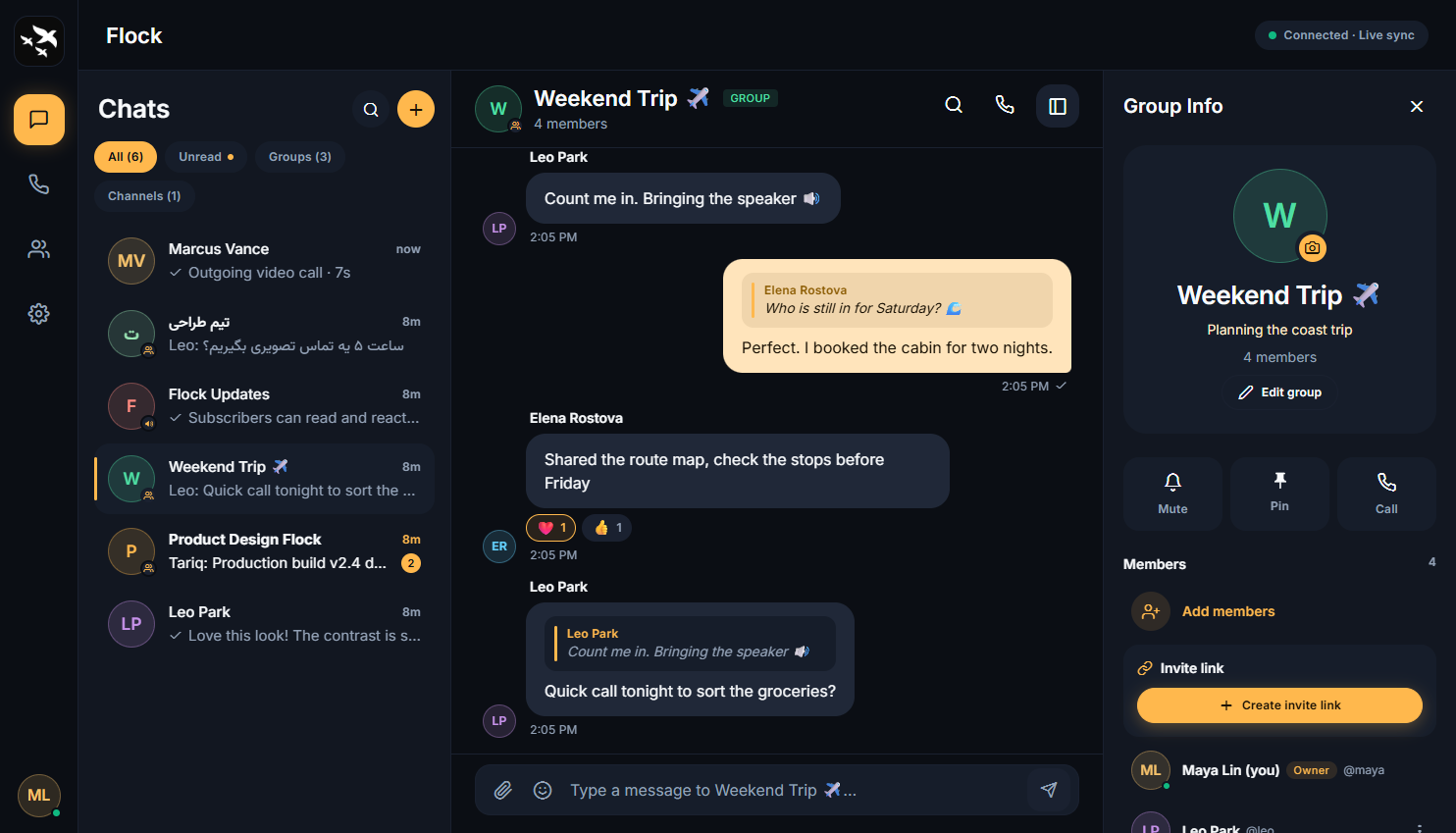
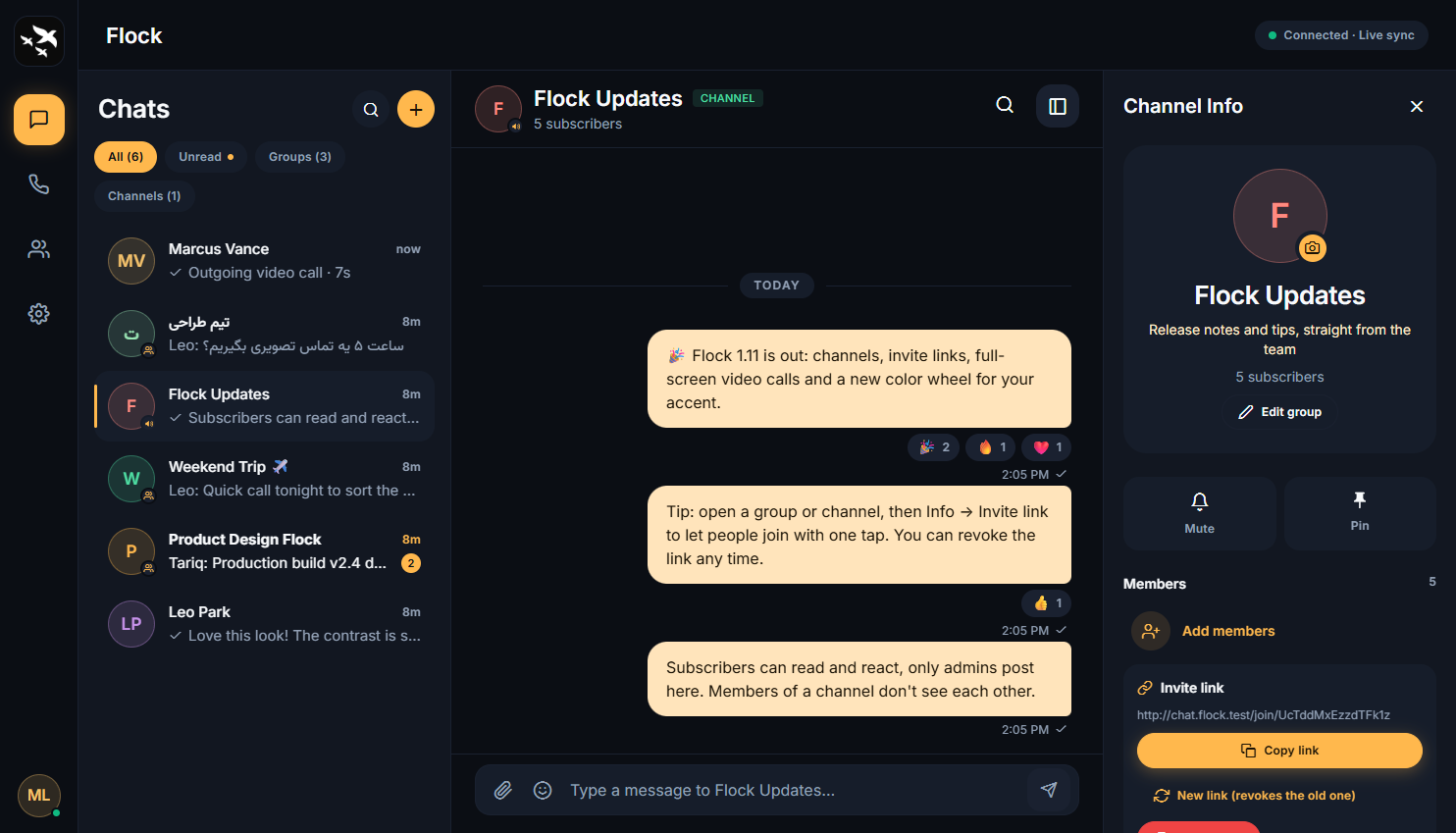
Flock is a self-hosted messenger for you and your friends: chats, voice and video calls, screen sharing and meeting links, all on your own server. It runs from one React Native (Expo) codebase as a web app (PWA), an Android app and a Windows app, with a Node.js + PostgreSQL server.
 |
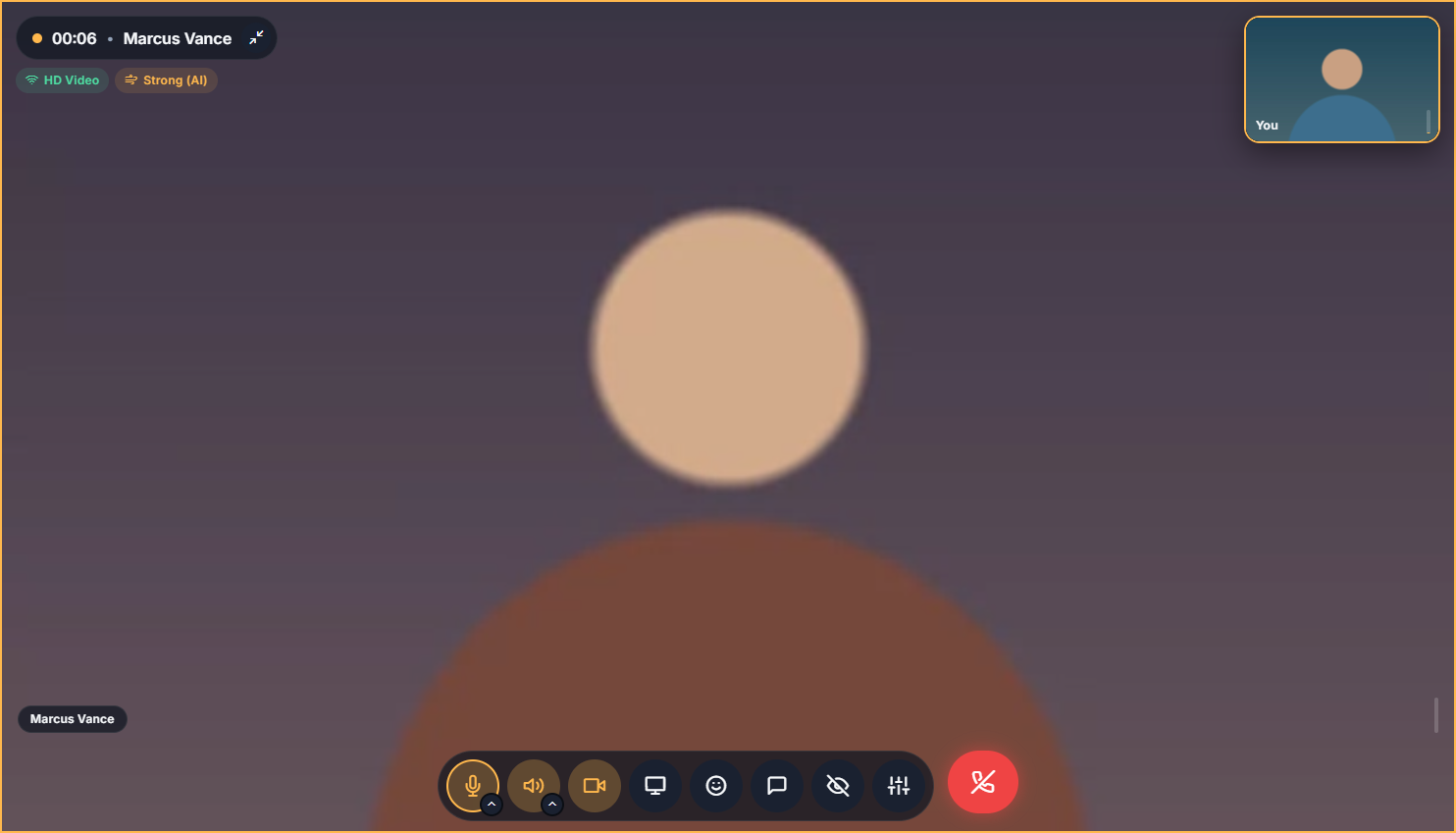 |
| A channel with its invite link | Full-screen video call |
 |
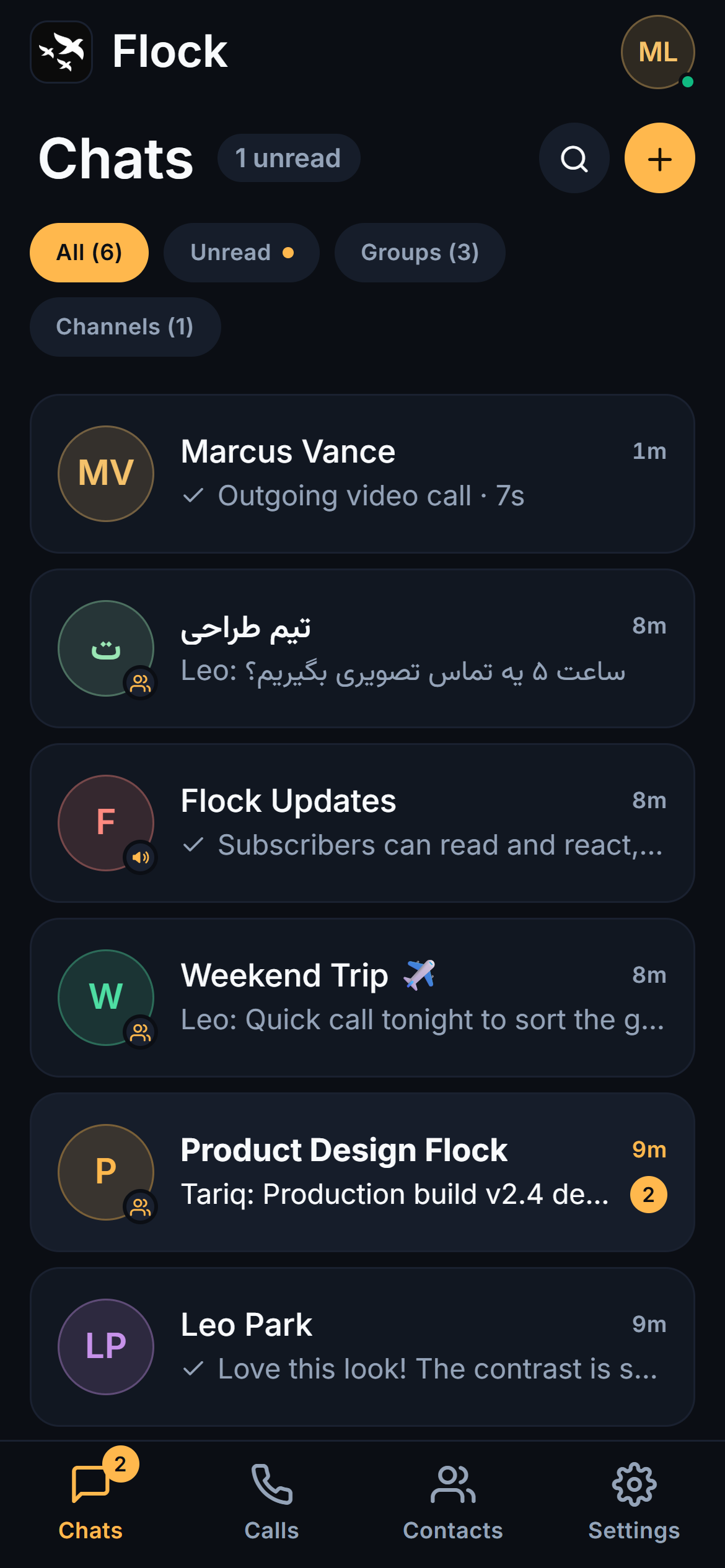 |
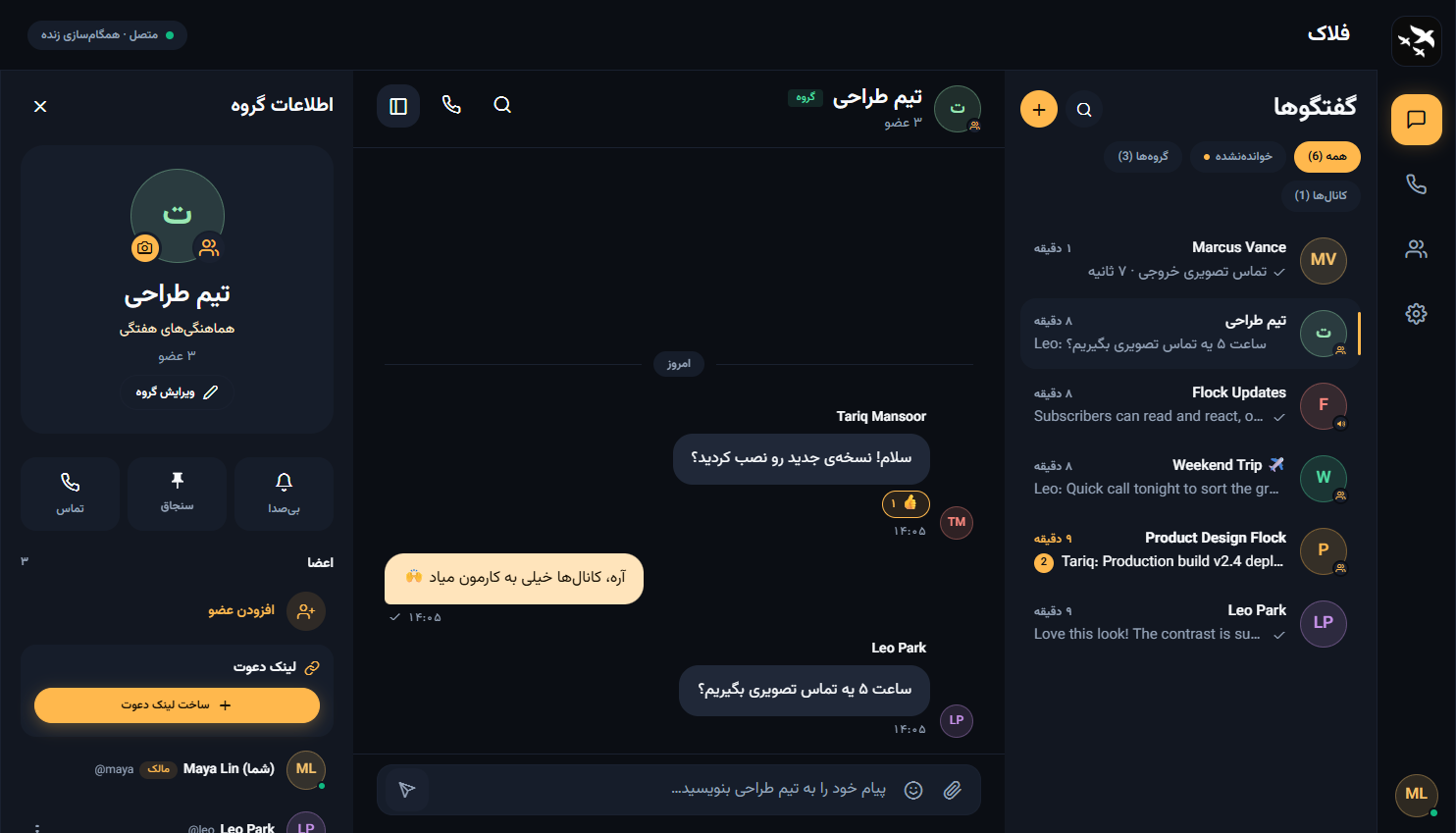
| Persian interface, right to left | Android and mobile web |
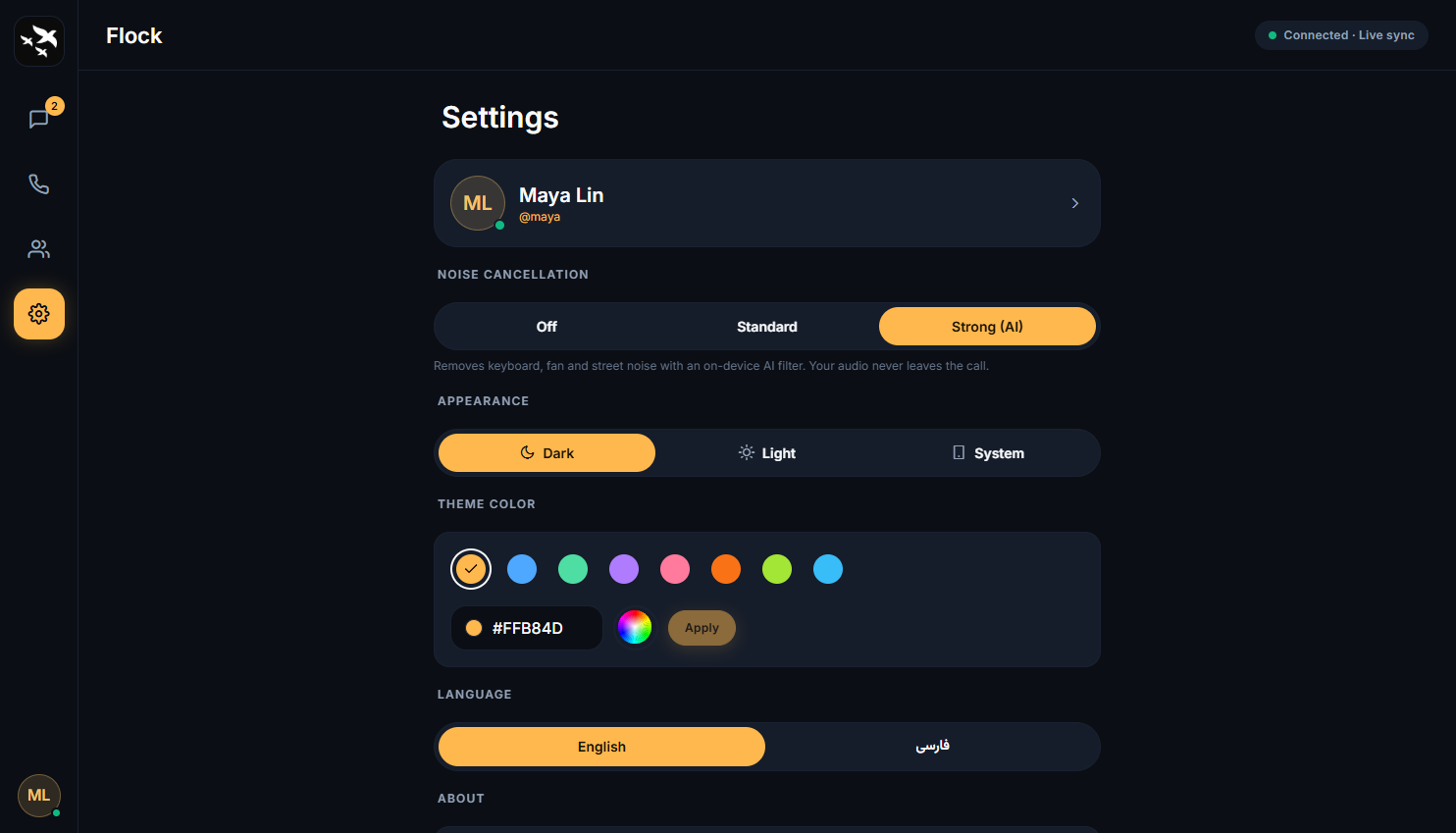
Settings: noise cancellation, theme and the accent color wheel
Features
Section titled “Features”- Chats: direct and group chats with real-time delivery, replies, emoji, clickable links, files (100 MB each by default; the admin can change the limit), typing indicators, read receipts, pin and mute
- Secret chats: optional end-to-end encryption for a direct chat; the server stores only ciphertext (details)
- Groups: owner and admins, group photo and description, add and remove members
- Calls: voice and video calls, one-to-one or in groups, with screen sharing (web and desktop), per-person volume, noise cancellation (an on-device AI filter on web and desktop), floating reactions, a temporary in-call chat and a call that can be minimized and dragged around
- Meeting links: create a room, share its link, and anyone can join from a browser, even without an account. The link works until the time you choose or until you close the room
- Contacts: only the people you already chat with; anyone else is found by searching their username (3+ characters)
- Profile: photo, display name, username (changeable), title and bio
- Admin: the server’s admin changes sign-up, guest access, upload size and file retention in the app, and sees the server’s CPU, memory, disk and usage
- Light and dark themes, English and Persian (right-to-left) interfaces
- Apps: installable web app (PWA), Android APK and Windows installer, all pointing at your own server